Connection Info
This dialog shows detailed information about a data connection used by Enroute Flight Navigation and allows configuring connection settings.
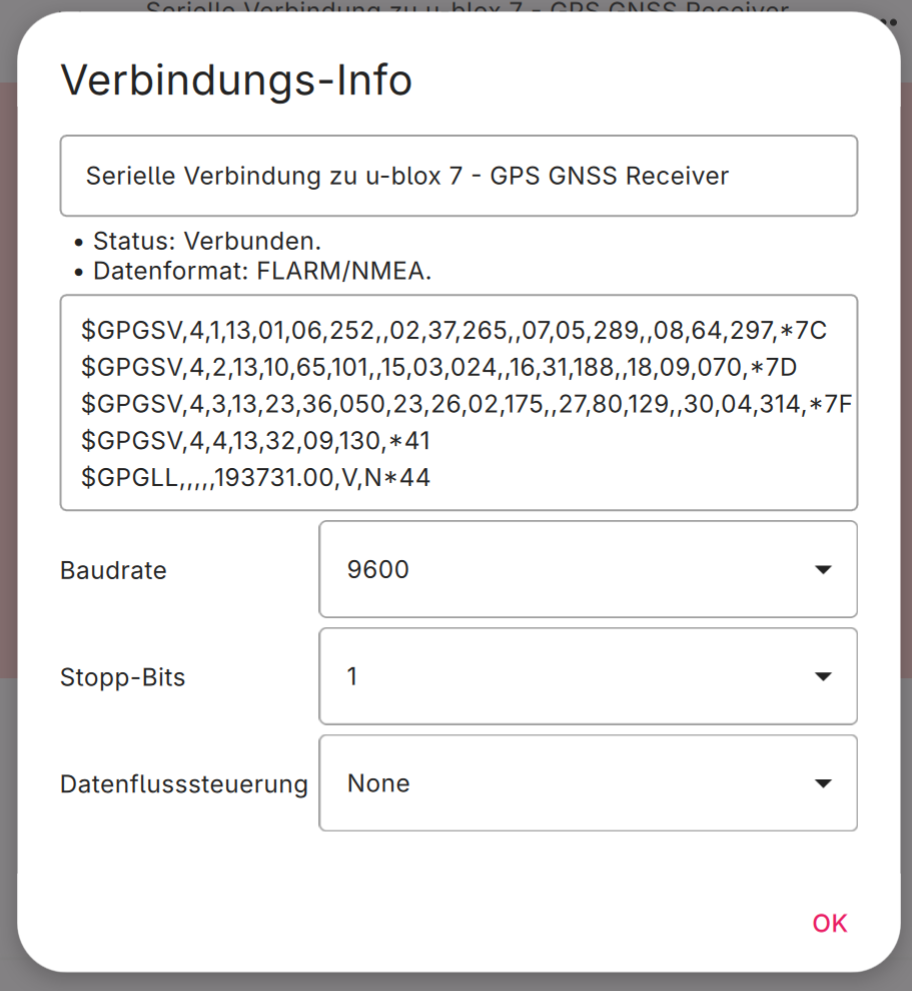
Connection Info for a Serial Port Connection
The dialog shows the following information.
Connection Name.
Connection Status.
Data Format expected by the connection.
A monitor field showing incoming data. This field is updated in real time as data arrives. The monitor field is only visible if Enroute Flight Navigation receives data through the connection.
For Serial Port or USB Connections: A button to set the baud rate.
For Serial Port or USB Connections: A button to set the number of stop bits.
For Serial Port or USB Connections: A button to set the flow control.